
Get seriously good at data & AI —
from someone who does it every day.
I'm Clarence Tan. For a decade I've turned messy, multi-source data into decisions across major banks and a global technology company. Now I help people get genuinely capable with data and AI — hands-on, on real data, with Python, SQL, Power BI, Tableau and AI. No jargon, no ivory tower. Wherever you're starting from, let's get you good at this.
See how it works ↓Ready to get good at data & AI?
Whether you're sharpening your own skills or lifting a whole team, the goal is the same — you come away able to actually do the work. Pick the path that fits you.
Level up the parts of your job that touch data.
Without stepping away from it.
Short, hands-on courses you can take one at a time or stack into a pathway. Evenings or full days, live online, built for busy working professionals. You leave with real skills and a project you built — not a paper certificate.
Custom training built around your tools, your data, your goals.
Taught on your own data, so it sticks.
I design a programme around the problems your team is actually trying to solve, taught on your own data so people apply it the next day. In-house or live online, invoiced to your organisation with documentation for L&D.
It's just predicting the next word.
Every sentence a model writes is a chain of probabilities. Watch it choose — one token at a time — and you'll never be mystified by a chatbot again.
Signals flow. Weights adjust.
A neural network is millions of tiny decisions firing together. Scroll to send a signal through the layers and see how a prediction is built.
Words become coordinates.
Models turn language into points in space, where similar meanings sit together. Scroll and watch scattered words snap into clusters of meaning.
From raw rows to a decision.
The last mile is turning data into something a business can act on — in SQL, Power BI and Tableau. Scroll to assemble a live dashboard from the numbers up.
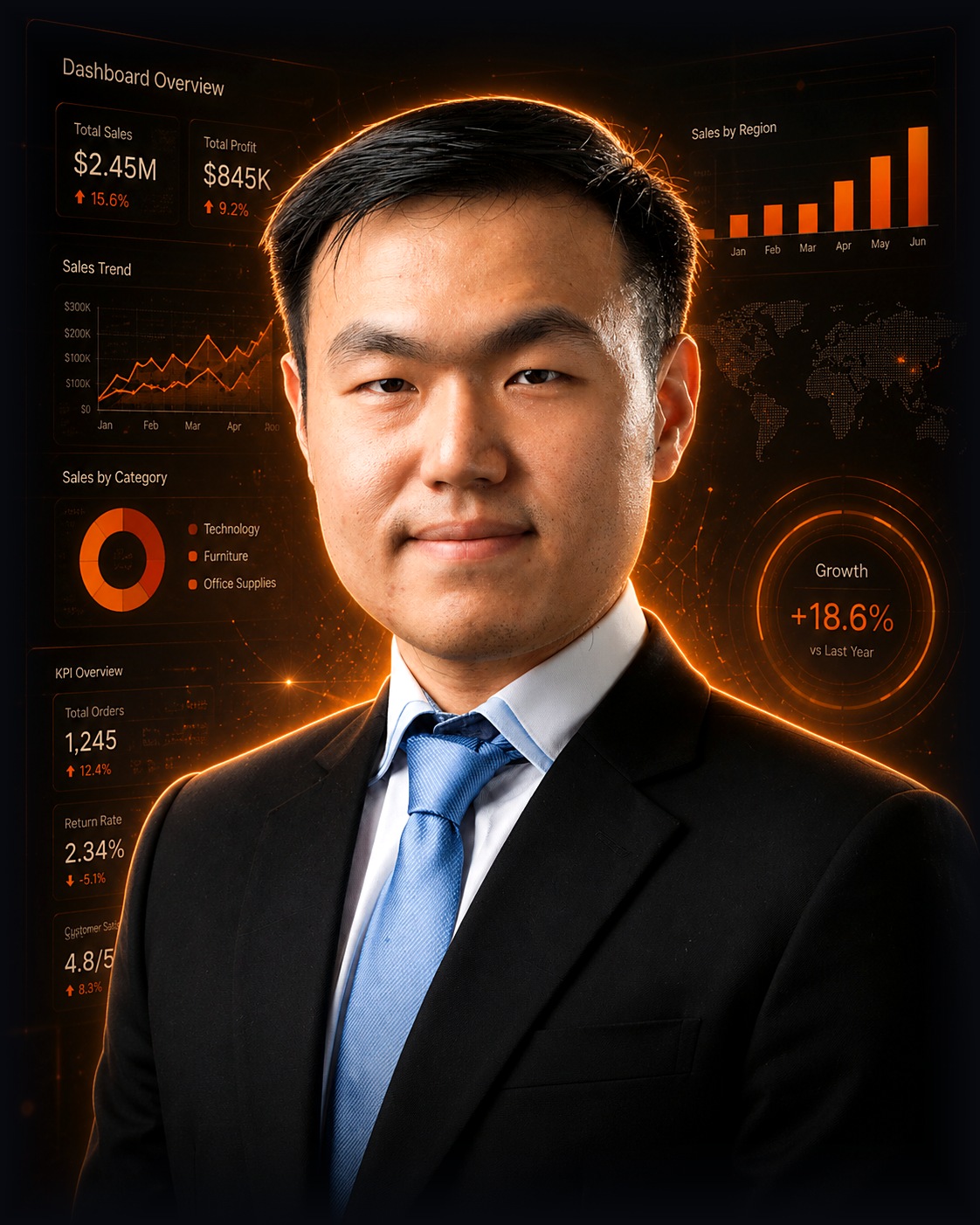
A practitioner who teaches.
For the last ten years I've lived in data — across major banks and a global technology company — turning messy, multi-source data into decisions leaders act on. I hold an MSc in IT in Business (Analytics) and a Bachelor of Accountancy from Singapore Management University, so I speak both the engineering and the business.
I'm not a career lecturer; I teach from doing the job every day. My whole approach is skills transfer — you leave able to do the work yourself, on your own tools and data. NewGround is the home for that work: practical data & AI training for people and teams who want to get genuinely capable.
- ~10 years of hands-on data experience across banking & tech
- Senior Data Analyst & APAC Lead at a global MNC
- MSc IT in Business (Analytics) & BAcc, Singapore Management University
- Python, SQL, BigQuery, Teradata, Power BI & data visualisation
- Skilled at making technical concepts land with non-technical audiences
- Strengthened portfolio & scenario planning at a global technology company — as business SME, using BigQuery, SQL and Python to turn backend data into reliable strategic reporting, while improving data-quality checks.
- Delivered an end-to-end customer-analytics reporting pipeline at a major bank — with Teradata SQL, Python and Power BI — letting product managers surface insights, monitor trends and plan data-driven campaigns.
- Accelerated ETL data migration at a major bank — automating metadata prep in Python and building SQL-based ETL pipelines for structured extraction, transformation and migration across systems.
The whole toolkit. Not one tool in a vacuum.
Most courses teach a single tool in isolation. I teach the full stack the way real analysts work — from a spreadsheet, through the tools, all the way to telling a story that moves decisions.
Excel
The tool everyone has and few truly master — PivotTables, functions, clean models.
XLOOKUP · dynamic arrays · PivotTables
Power Pivot
Push Excel far past its limits with real data models and DAX measures.
Star schema · DAX measures · Power Query
SQL
Ask any question of your data at the source. The single most in-demand data skill.
SELECT · JOINs · GROUP BY · window functions
Power BI
Build living reports that refresh themselves and scale across the business.
Model · visualise · publish · scheduled refresh
Tableau
Turn tables into dashboards that decision-makers actually read and trust.
Calculated fields · LOD · interactive dashboards
Data storytelling
The skill that outlasts every tool — turn a dashboard into a decision people act on.
Right chart · clear "so what?" · executive one-pager
Python
Automate the repetitive, analyse at scale, and open the door to machine learning.
pandas · cleaning · analysis · automation
Power Platform
Build apps with Power Apps and automate workflows with Power Automate — no heavy code.
Approval flows · low-code internal apps
Generative AI
Prompt, automate and analyse with AI — the multiplier on top of every skill above.
Prompt libraries · AI-assisted analysis · used safely
Start where you are. Stack to go further.
Nine part-time courses across four pathways. Take one, or stack a pathway to build the full skill set and a portfolio.
Data Foundations
Excel & Power Pivot for Analysts
Turn Excel into a genuine analysis engine — clean data, dynamic arrays, a data model and a self-refreshing dashboard. No coding.
See the weekly plan
- Structure and clean data properly
- Answer questions with lookups & dynamic arrays
- Model data in Power Pivot with DAX
- Build a self-refreshing dashboard
- S1 · Clean data & core analysis
- S2 · Dynamic arrays & PivotTables
- S3 · Power Query & the data model
- S4 · DAX & a KPI dashboard
Keep: a reusable Excel model template + a self-refreshing dashboard.
SQL for Analysts
The most in-demand data skill, from zero. Query a database directly to answer real business questions.
See the weekly plan
- Query a database to answer real questions
- Aggregate, group and join across tables
- Use subqueries, CTEs and window functions
- S1 · Querying basics
- S2 · Aggregation & grouping
- S3 · JOINs
- S4 · Subqueries, CTEs & window functions
Keep: a personal SQL snippet library + a solved query set.
Visualisation & Storytelling
Power BI: From Data to Dashboard
Build an interactive, refreshable Power BI report and publish it to share across the business.
See the weekly plan
- Get & transform data in Power Query
- Model data and write DAX measures
- Build interactive visuals
- Publish with scheduled refresh
- S1 · Get & transform
- S2 · Data modelling
- S3 · DAX measures
- S4 · Visuals & interactivity
- S5 · Publish & share + capstone
Keep: a published, refreshable dashboard.
Tableau & Data Storytelling
Build a Tableau dashboard and turn it into a clear "so what?" that lands with decision-makers.
See the weekly plan
- Build dashboards in Tableau
- Choose the right chart — and spot misleading ones
- Turn a dashboard into a recommendation
- S1 · Tableau foundations
- S2 · Calculations & dashboards
- S3 · Choosing & reading charts
- S4 · Telling the story
Keep: a dashboard, a reusable story structure + a chart-selection cheat sheet.
Automation
Automate with Power Platform
Automate an approval or reporting process and build a simple internal app. No technical background needed.
See the weekly plan
- Spot what's worth automating first
- Build approval & scheduled flows
- Build a simple internal app
- Share and lightly govern it
- S1 · Automation mindset + Power Automate
- S2 · Approvals & scheduled flows
- S3 · Power Apps basics
- S4 · Build & ship
Keep: a working flow + app and a "what to automate next" backlog.
Python & AI
Python Foundations
No prior coding — write your first script in week one, and automate a small real task by the end.
See the weekly plan
- Write clean Python
- Use logic, loops and data structures
- Read/write files and handle real data
- Automate a small real task
- S1 · First steps
- S2 · Logic & flow
- S3 · Data structures
- S4 · Functions & reusable code
- S5 · Files & real data
- S6 · Putting it together
Keep: a working automation script for a real task.
Python for Data Analysis & Automation
Clean, analyse and visualise data with pandas, and automate an end-to-end workflow. Prereq: PY1 or basic Python.
See the weekly plan
- Clean and wrangle data with pandas
- Aggregate, combine and visualise data
- Automate reports and work with APIs
- Build a first predictive model
- S1 · pandas foundations
- S2 · Cleaning & wrangling
- S3 · Aggregation & combining
- S4 · Visualisation
- S5 · Automation at scale
- S6 · Intro to prediction + capstone
Keep: an end-to-end analysis + automation notebook.
Generative AI & Prompt Engineering
No coding, for everyone. Write prompts that reliably work, build a prompt library, and use AI safely at work.
See the weekly plan
- Explain how AI actually works
- Write prompts that reliably work
- Apply AI across real work tasks
- Use AI safely — privacy, verification, ethics
- S1 · How AI actually works
- S2 · Prompt engineering
- S3 · AI for real work
- S4 · Using AI safely + build a workflow
Keep: a personal prompt library + one AI-assisted workflow.
Applied GenAI: Workflows & Agents
Automate knowledge work with AI and build a simple agent workflow. Prereq: AI1; pairs well with PY2.
See the weekly plan
- Automate repetitive knowledge work with AI
- Build a simple agent workflow
- Ground AI in your own data (RAG)
- Add guardrails and quality checks
- S1 · AI-assisted automation
- S2 · AI agents
- S3 · Grounding AI in your data
- S4 · Governance, evaluation & capstone
Keep: a working AI automation or agent workflow.
Be first in line when a cohort opens.
Dates aren't set yet. Tell me which course and your preferred timing, and I'll notify you the moment a cohort opens — enough interest is what triggers the next one.
Custom training for your organisation.
The public courses are a starting point. For teams, I build a programme around your tools, your data and the problems you're actually trying to solve — delivered on your schedule, in-house or online.
- ✓Curriculum tailored to your workflows, tools and skill levels
- ✓Taught on your own data, so people apply it the next day
- ✓Your choice of format — full-day intensives or weekly sessions
- ✓In-house, at your office, or live online for distributed teams
- ✓Mix and match across all nine courses into one pathway
- ✓Invoiced to your organisation, with documentation for L&D
Let's scope it together.
Tell me your team's size, tools and goals — I'll come back with a tailored outline and a quote. No obligation.
Discuss corporate training →A different shape to a bootcamp.
Full career-change bootcamps are excellent if you want to switch careers over several months. This is built for a different need.
Career change, all-in
- Long: often 120–400 hours over 3–6 months
- One big commitment, many tools bundled together
- Built to switch into a new data career
- Career services, capstones, cohort intensity
One skill at a time, around your job
- Short: 12–18 hours per course, weekly or as full days
- Take just the skill you need — or stack a pathway
- Built for people already in a job who want to level up
- Taught by a working practitioner, on real data
Neither is "better" — they solve different problems. If you want to change careers, a full bootcamp may fit you well. If you want to get sharper at the parts of your job that touch data, without stepping away from it, that's what these courses are for.
Train your team. Or let's build it together.
Training is the heart of what I do — but not every problem is solved in a workshop. Here are three ways to work with me, depending on what your organisation needs.
Training
Hands-on courses that leave your team able to do the work themselves — from spreadsheets to AI.
- 9 courses, 4 pathways — or a custom programme
- Full-day or weekly, in-house or online
- Built on your real data
- A working project your team keeps
Consultancy
When you need the outcome now, not next quarter. I help design, build and fix your data and AI workflows.
- Dashboards & BI reporting
- Workflow & reporting automation
- AI adoption & strategy
- Data clean-up & modelling
Collaboration
For training providers, agencies and businesses who want to work together, co-deliver, or bring me in as an associate.
- Co-delivered programmes
- White-label / associate training
- Content & curriculum partnerships
- Referral arrangements
Skills you keep using.
Short explanations, long build time — on real datasets, not toy examples.
Leave with a working dashboard, query set or automation built during the course.
Reusable Excel models, SQL snippets, DAX patterns and a prompt library.
No paper qualification — you leave able to do the work, on your own tools and data.
A follow-up clinic and a channel to ask questions once you're back at work.
Run privately for your team on your own data, or join a scheduled cohort.
What people say.
I'm still collecting these as I run more sessions — real words from real people, coming soon.

Your testimonial will appear here — a sentence or two on what changed after the training.

A short quote about a specific result — a skill applied, a report built, time saved.

Another placeholder quote — replace with genuine feedback once you've collected it.
Worked with me? I'd love your feedback — email me.
Before you book.
Do I need a maths or coding background?
Which track should my team start with?
Can you run this privately for my team?
Online or in person?
How long are the courses?
How are courses scheduled?
Can I take a course as a full day instead of weekly?
What if I miss a session?
What do participants walk away with?
Is corporate training claimable or invoiced?
Not ready to book? Start free.
Get practical tips by email, and be first in line when the self-paced membership opens.
The newsletter
A short, useful email a few times a month: a tip, a template, or a walkthrough you can actually use at work. Plus my Data & AI Skills Roadmap when you join.
No spam. Unsubscribe anytime.
Join the waitlist
A self-paced membership is in the works — courses, hands-on practice and a community, learn on your own schedule. Join the waitlist for early access and founding-member pricing.
Be first to know — no commitment.
One skill, one hour, nothing to buy.
Free 60–90 min live sessions — come build something. Join the newsletter above to get notified when each runs.
How AI actually works — explain an LLM in plain language and write a better prompt.
5 moves that replace hours of work — XLOOKUP and dynamic arrays that kill manual tasks.
Build your first Power BI chart from raw data.
Spot a misleading chart in the wild — and fix it.
SQL in an hour — write a SELECT with a JOIN and a GROUP BY.
Automate one real task — build a working Power Automate flow.
The Atlas of Charts.
My interactive field guide to data visualisation — the same thinking I bring to training, in a single file you can keep.
99 charts, taken apart.
Every chart is an argument about what matters. The Atlas takes 99 of them apart — from the bar chart to the Sankey — and shows you what each is built for, and how to read one without fooling yourself.
- 99 chart types across 8 families
- Interactive anatomy — hover any part to see what it encodes
- "How Charts Lie" — the specific misread of each one
- One self-contained file. Yours forever.
Let's find the right way to work together.
Whether you want to train your team, bring me in to build something, or explore a partnership — tell me what you're facing and I'll reply within 24 hours with an honest view of the best fit. Enquiries come straight to me at NewGround.
Start a conversation
Training, consulting or collaboration — one form.